
Are you looking to get started as a 3D artist? Or maybe you’re a seasoned vet looking for some quick tips? Then this is the guide for you! I’m going to cover everything from modeling to where to go when you need some help.
Part one is going to cover the major 3D programs and forum communities to learn from.
3D Software
I’m going to get started by talking about the two giants in the industry: Maya and 3D Studios Max.
These two are the industry standard when it comes 3D programs. Almost every studio, large or small, uses these two. If you’re looking to start a career as a 3D artist, you’ll want to learn either of these programs.
So now you’re thinking, “Which 3D program do I learn first?” Well, unfortunately, there really isn’t an easy answer. All 3D programs tend to have the same tools, and it’s really just a matter of preference.
“But I’ve heard that 3DS Max is for games and Maya is for film.”
That’s kind of an old stigma from the early days of their software development. 3D Studio Max tends to skew towards the gaming industry due to it starting as a DOS program back in the early 1990s. (And there was a rumor that it was much easier to hack and obtain than Maya). Maya didn’t even have a public version of its software until 1998. It was developed by a company called Wavefront Software that produced computer graphics and animation for Hollywood starting in 1984. Wavefront developed the software for itself until 1995, when it was bought by Silicon Graphics and merged with Alias Research to form Alias||Wavefront.
While the stigma is still partially true (admittedly, Maya still has a stronghold over the film industry), both programs are widely used across the TV/broadcast, film, and game industries.
Many 3D artists, after learning one, tend to pick up the other. But if you’re new to the 3D world, don’t learn both at the same time – just stick with one.
My preference is Maya. Its modeling and animation tools feel more fluid. I’ve heard that the curve to learn Maya is much steeper, while Max tends to be more forgiving.
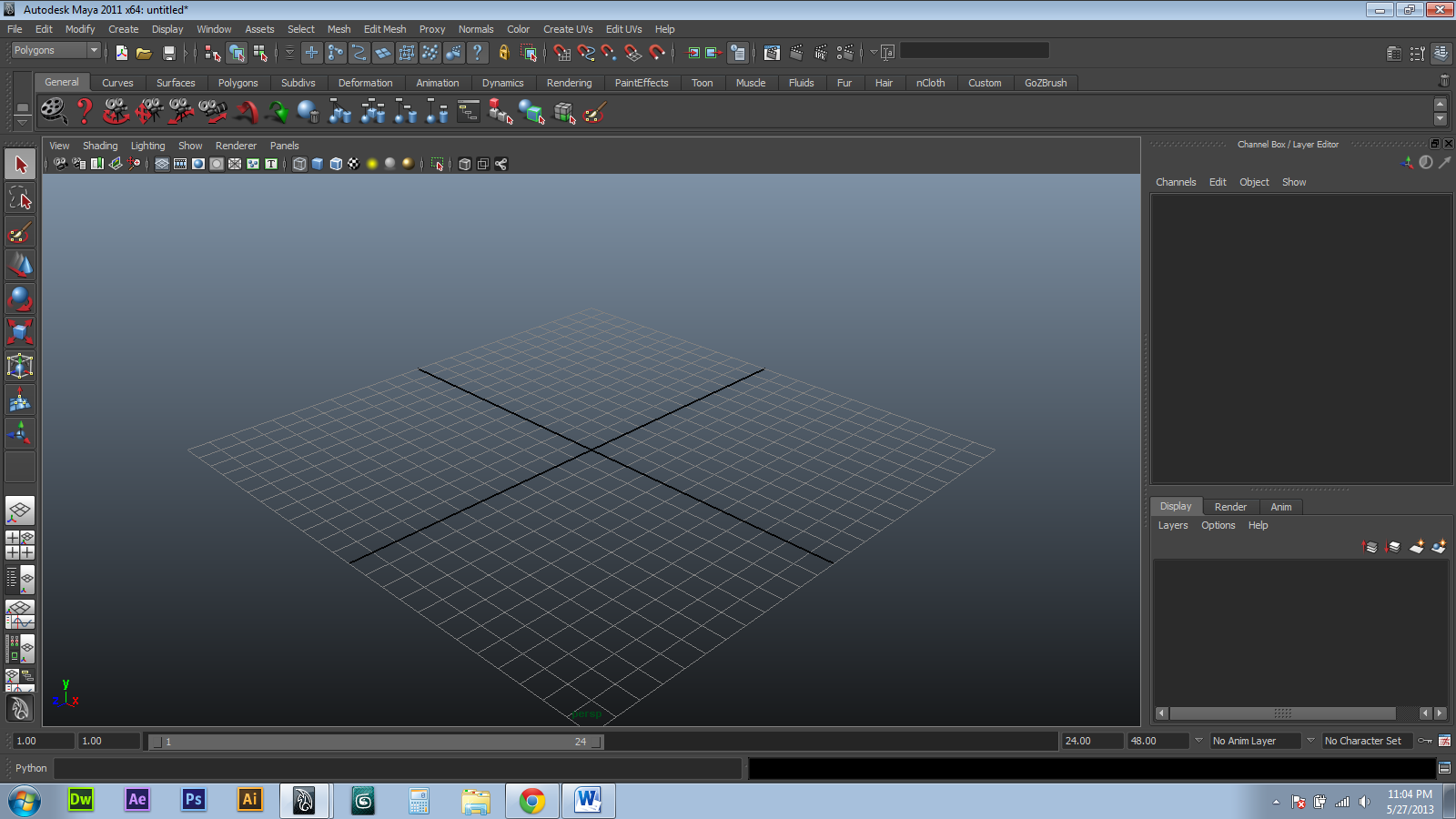
Maya’s interface.

Max’s Interface
I will say this though: it’s generally agreed that Maya’s animation and rigging (adding a skeleton to a model to make it move) kick the crap out of 3D Studios Max. In fact, when we get to the animation and rigging parts, I’m really only going to talk about Maya.
“So where can I get these programs? They cost thousands of dollars!”
A few years ago, Autodesk released a student version of their software. It is the full version of their software with NO watermark. Perfect for testing and creating a portfolio. But you cannot use it for commercial purposes.
Both Maya and Max can be downloaded here.
Getting Started and Beginner Tutorials
So now that you’ve downloaded all this great software, where do you go to learn it? You can get many different resources either for free or pay. DigitalTutors.com is a monthly pay site with great tutorials from beginner to advanced level.
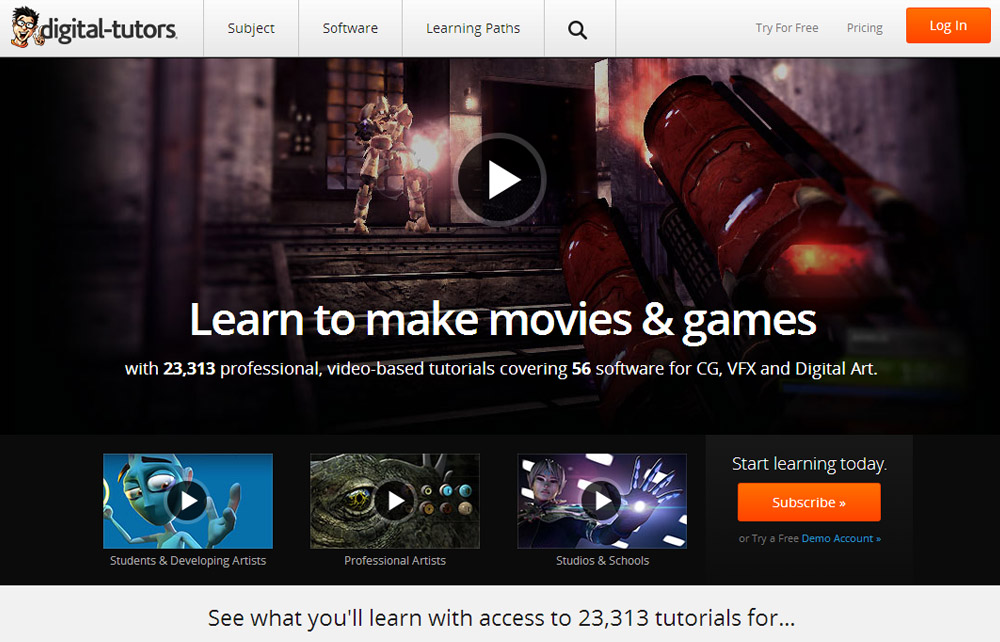
If you have a demo account, you can try a few tutorials for free. Here are a couple of getting started tutorials for Maya and Max from Digital Tutors
Maya:
Beginner’s Guide to Modeling in Maya
Max:
Here are some free YouTube channels to help get you started in either program:
Maya:
The Necessary Tutorials channel has a lot of different Maya tutorials for beginners.
Maya Learning Channel – Getting Started from MayaHowTos
Getting Started with Maya – User Interface and Navigation from Dan Allen
Maya Tutorial: Basics (HD) from DigitalArtsGuild
Max:
3DS Max Learning Channel – Getting Started from 3dsMaxHowTos
3DS Max Tutorials Series from VvCompHelpvV
3Ds Max Tutorial – 1 – Introduction to the Interface from thenewboston
Forum Communities
Another free and vast resource is CG forum communities. There are a couple of great communities for CG artists. The most popular one is CGSociety.

CGSociety appears unfriendly and a little daunting, but it’s one of the best resources out there. Don’t feel scared to post your works in progress or ask questions; they really have a low tolerance for people being douchebags to new artists.
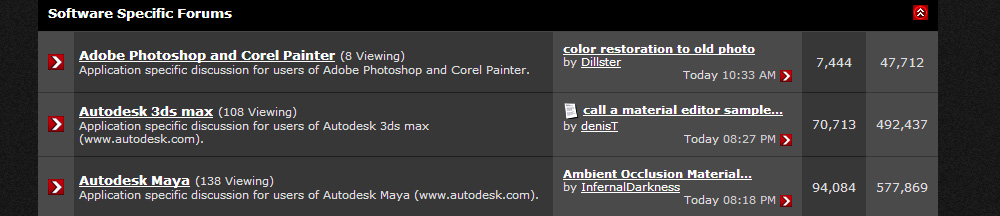
They have software-specific forums, and even offer competitions to test your skills. They also have paid online classes from Masters in the industry. Most of them run for four weeks and cost between $300 – $500.
The next major one would be CGHub.
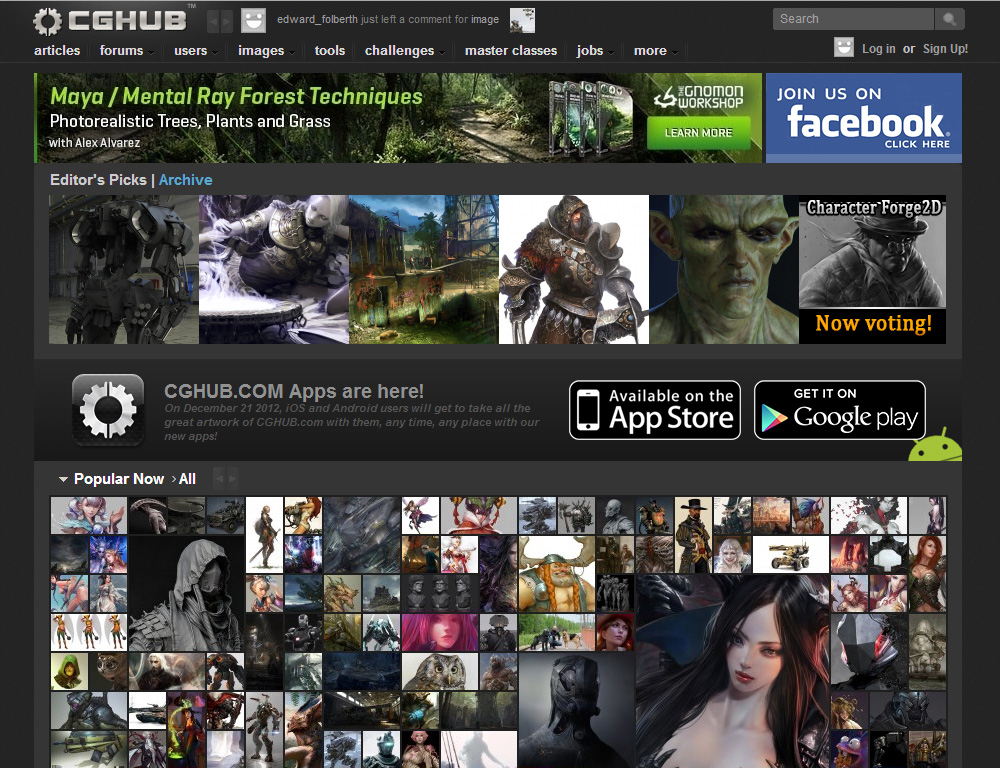
Basically, it’s similar to CGSociety, but they host many more CG Competitions than CGSociety. Their classes are run by Gnomon Institute of Visual Effects, so they can be quite pricier than CG Society’s.
That wraps up part one. Stay tuned for part two, where I will cover modeling!
 Nerdy But Flirty
Pingback: 3D Resource Guide Part Two: Modeling |